
Blog ·
Keeping both parents on the same page about the week

"You didn't tell me the party was at 2."
"I did. I told you on Tuesday."
Every couple has a version of this conversation. Nobody's lying. One parent said a thing while the other was making dinner, and a week later the information exists in one head and not the other.
Here's the uncomfortable pattern underneath it: in most families, one parent is the schedule. Not "manages the schedule" - is the schedule. The dentist appointment, the swim kit day, the birthday RSVP, the camp week that starts at a different time... it all lives in one person's head, and the other parent gets briefings.
That's fragile, and it's exhausting for the parent playing database.
Why "we have a shared calendar" doesn't fix it
Plenty of couples try the obvious fix and share a Google or Apple calendar. It helps. It also usually falls short, for one specific reason:
A shared calendar shares what gets typed in. It doesn't share the typing.
The information still arrives to one parent - the one on the class WhatsApp group, the one the school emails, the one who empties the backpack. If that parent doesn't transcribe it, the shared calendar shows a clean, empty, wrong week. And now there's a second failure mode: the other parent trusts it.
A shared calendar with one scribe isn't a shared system. It's the same single point of failure, with extra steps.
What a genuinely shared system needs
Three properties. Check whatever you use against them:
- Both parents can capture, cheaply. Whoever the email or the paper slip reaches must be able to file it in seconds, or they'll batch it for later and later won't come.
- Both parents get told, automatically. Not "can look it up if they think to." Reminders should reach both phones without anyone forwarding anything.
- Either parent can ask. The test of shared knowledge isn't the calendar grid. It's whether the parent doing Thursday's pickup can find out what Thursday needs without texting the other one.
You can build a decent manual version: one shared calendar both of you write to, notifications on for both, and a five-minute Sunday sit-down to walk through the week. The Sunday review is the strongest habit on this list. If you adopt nothing else, adopt that.
How we run it with Kikko
I built Kikko around those three properties, because the manual version kept collapsing in my own house the moment a week got busy.
Capture is a forward or a photo. Whichever parent gets the email forwards it to the family's Kikko address. Whichever parent finds the paper slip photographs it. The AI turns both into event cards on one shared family calendar - no scribe role, no transcription step.
The calendar is shared by default. You invite your partner once, and from then on there's one source of truth. Reminders go to both of you, before deadlines rather than on them.
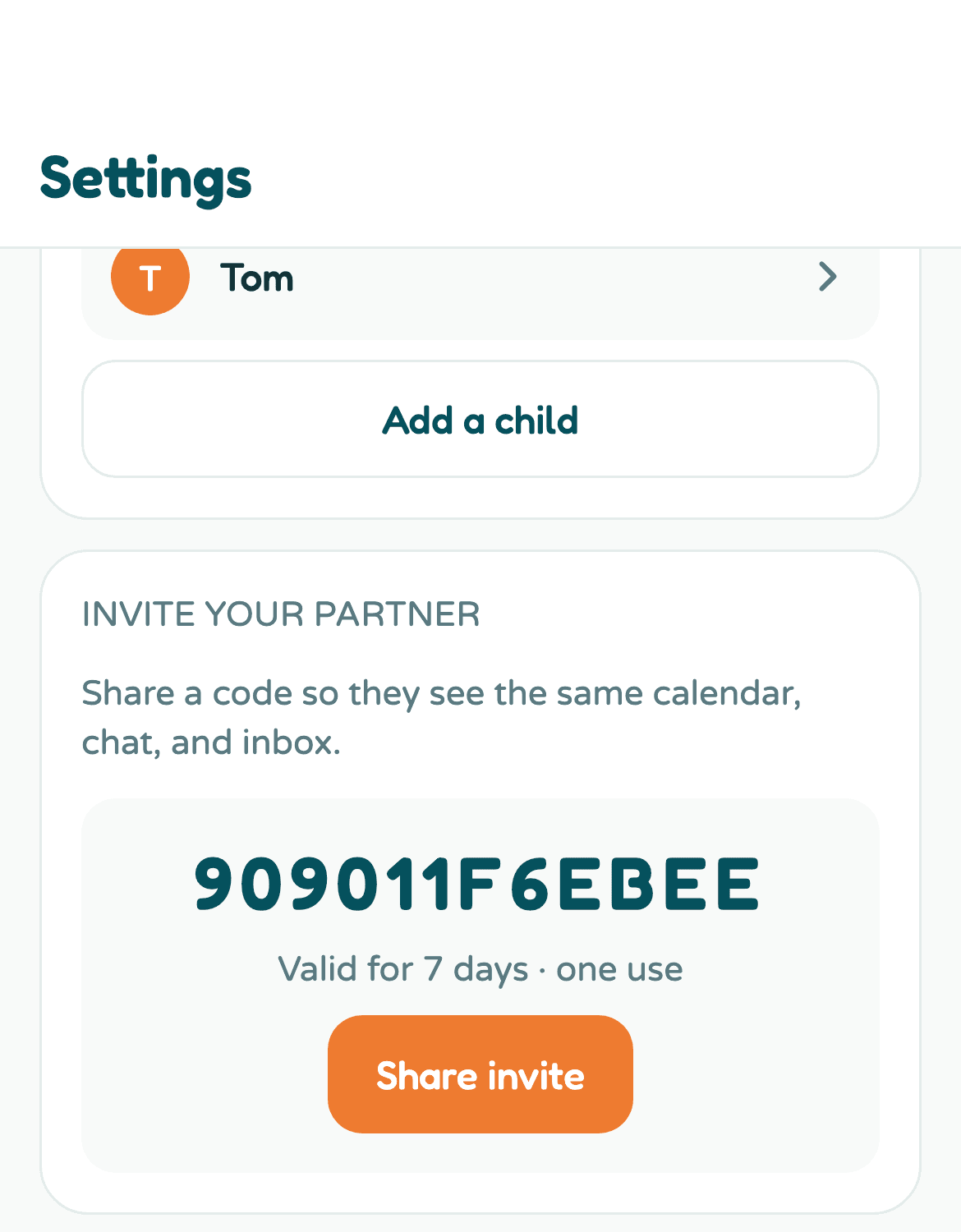
And either parent can just ask. This is the part that changes the daily texture. Instead of scanning a grid or messaging your partner at work, you ask Kikko like you'd ask the parent-who-knows:
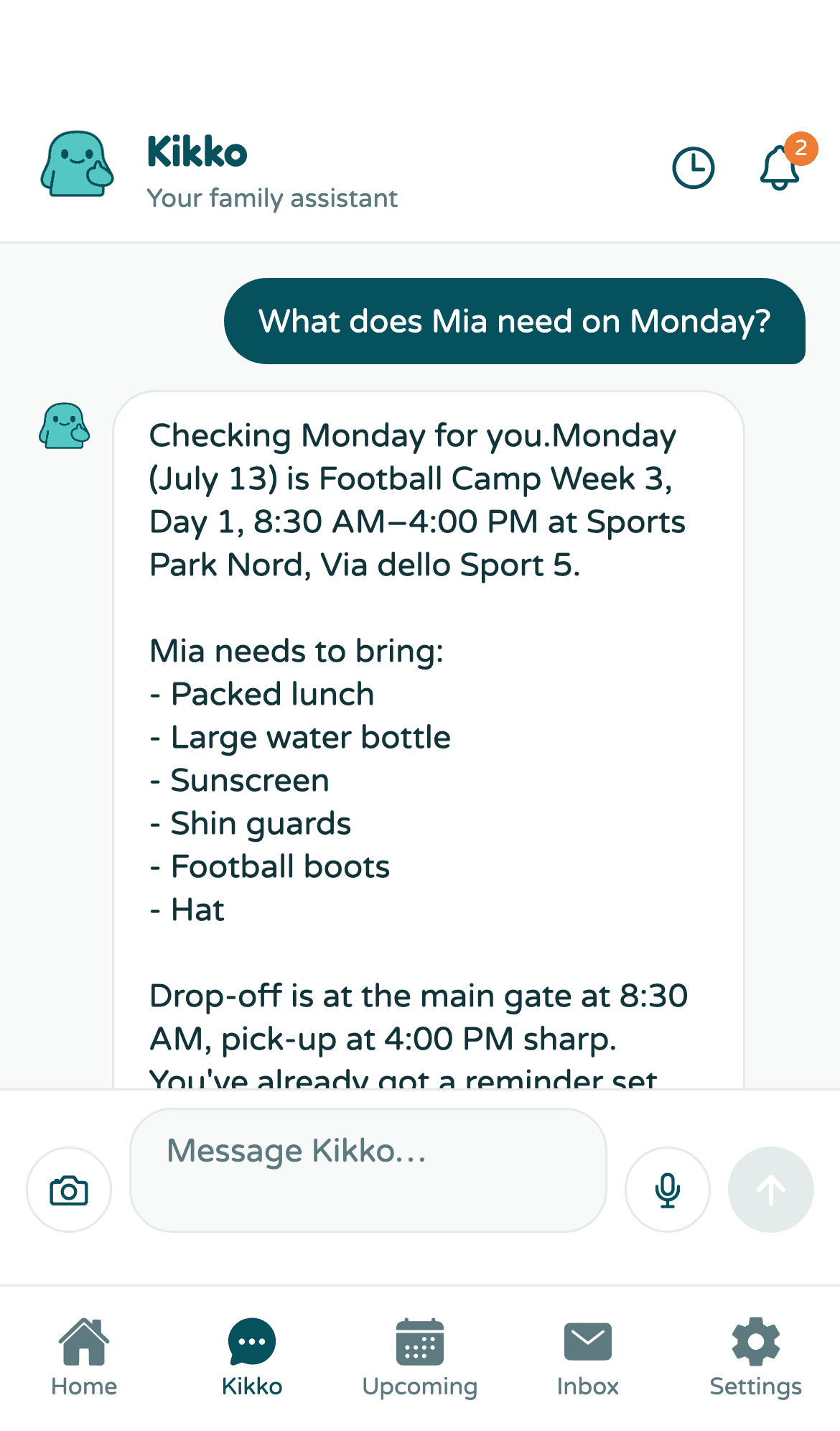
"What does Mia need on Monday?" gets a real answer - the event, the times, the full packing list - because it was all extracted from the original email and kept with the event.
The point isn't the app. It's the symmetry.
However you do it, the goal is that no parent is the database. Information should land in a system both of you can feed and both of you can query, so "I thought you knew" retires from your vocabulary.
If you want the version where the system feeds itself, Kikko is live at app.kikko.ai - 14 days free, no card, and one subscription covers the whole family, second parent included.