
Help Center · Reminders and notifications · Updated
The notification center

The bell in the top corner of Home and the chat opens the notification center. It's the record of everything Kikko has told you - useful because push notifications vanish, but this list doesn't.
What lands here
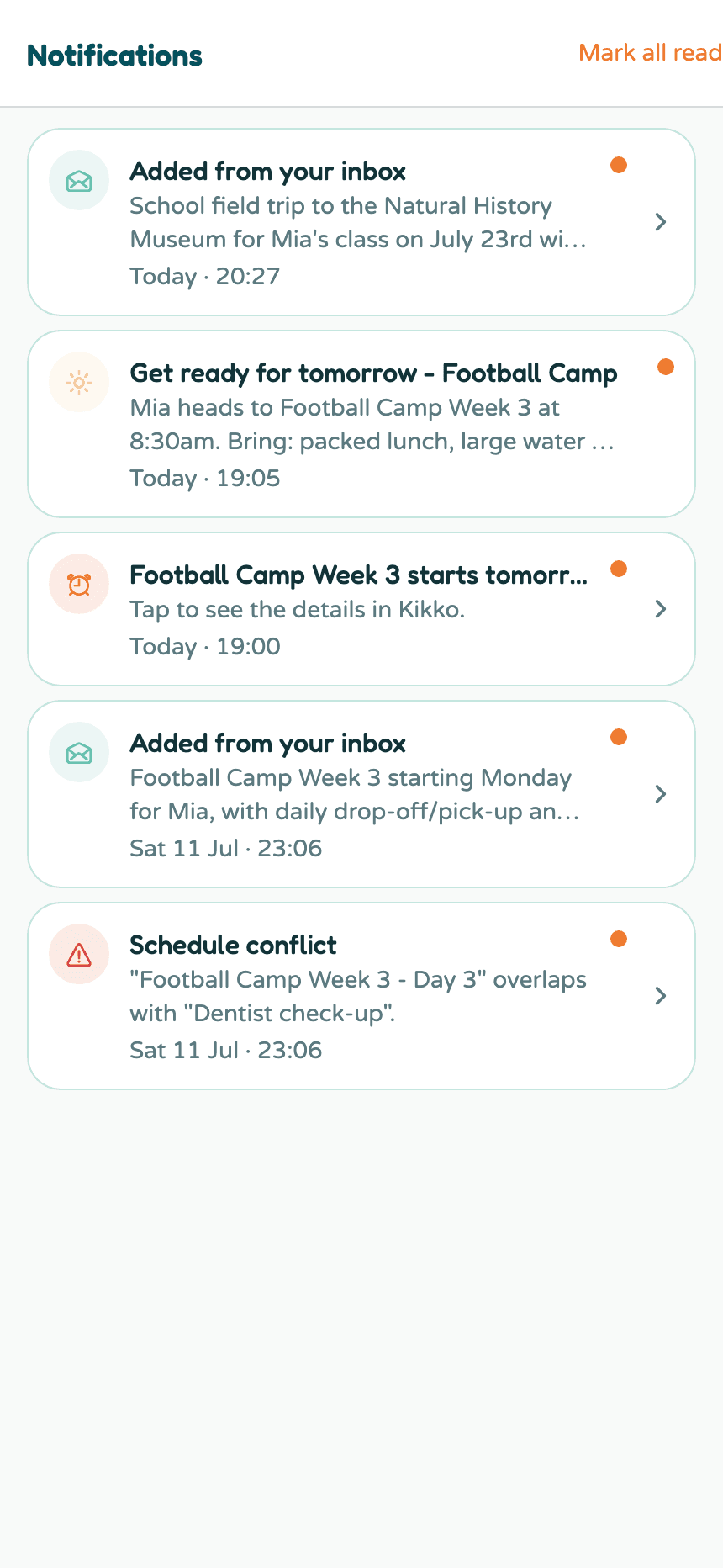
- Reminders - the same nudges you get as pushes.
- Briefings - your morning and evening summaries.
- "Kikko added..." - when a forwarded email or capture turned into events.
- Conflict warnings - when two events overlap.
Every notification is tappable and takes you straight to the thing it's about: the event, the task, or the inbox item.
Keeping it tidy
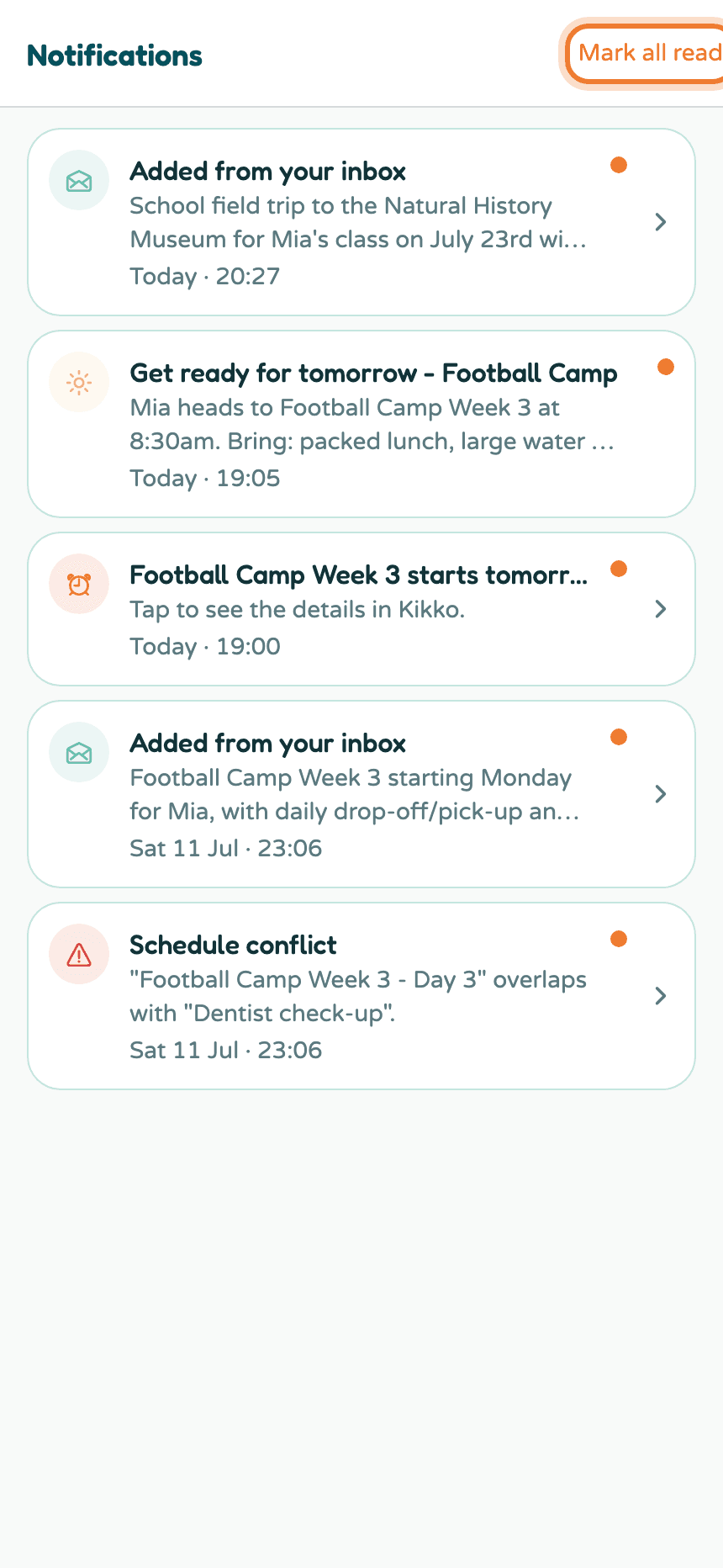
The bell shows a badge with your unread count. Opening a notification marks it read; Mark all read clears the badge in one tap.
Good to know
- The unread badge follows you across the app - it's on the bell on both Home and the chat screen.
- Push notifications and this list are the same events in two places: pushes for the moment, the center for the record.
- If Hide details on lock screen is on (see reminders), pushes stay vague but the notification center always shows the full detail once you're in the app.
Related
Did this answer your question? If not, email us and we'll help.