
Help Center · Account and family · Updated
Your profile, roles and family settings

The top of Settings is about people: who you are in the family, and the family itself.
The You card
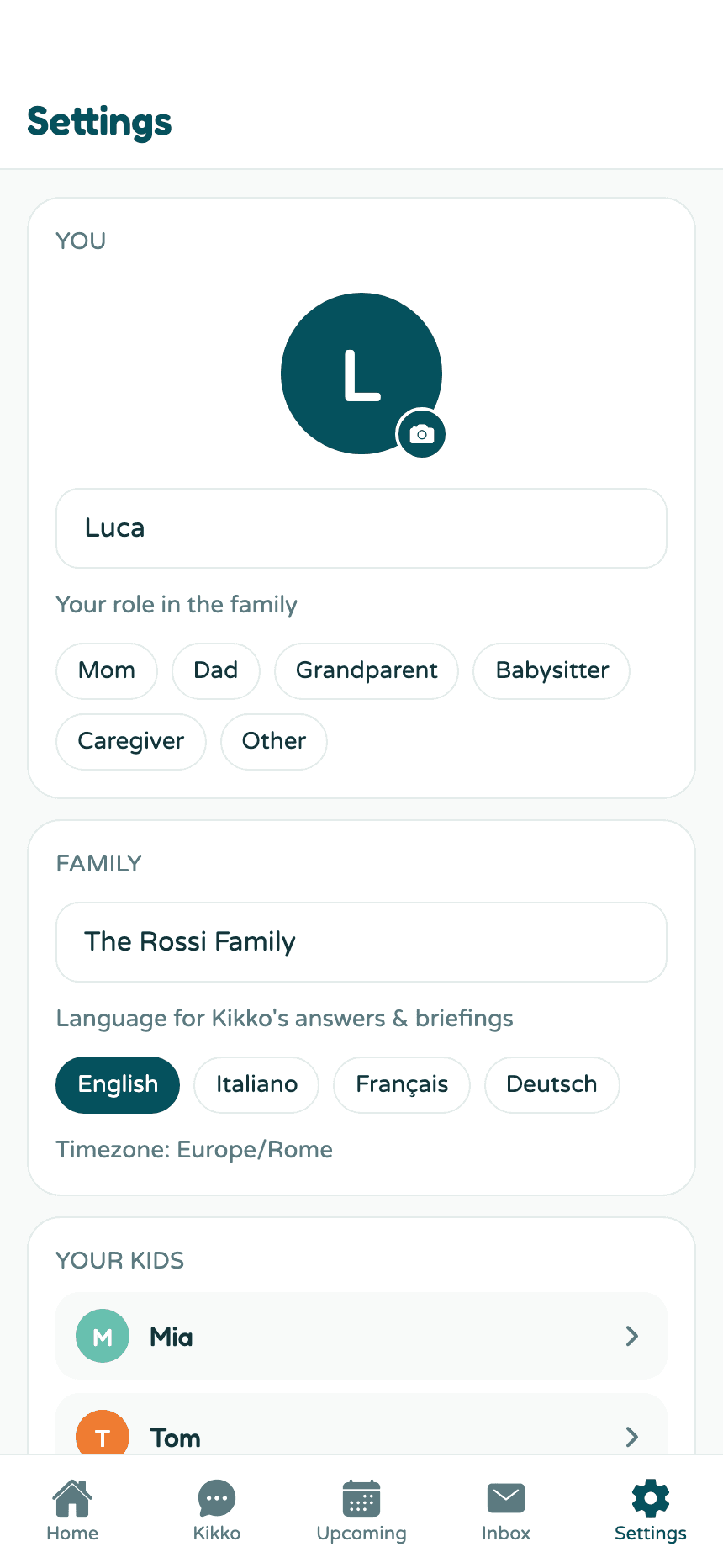
- Your photo - tap the avatar to upload one.
- Your name - what your partner sees on things you add, and how Kikko refers to you in chat. It saves as you type.
- Your role - Mom, Dad, Grandparent, Babysitter, Caregiver, or Other. Roles show up next to members in the invite card and help Kikko say who added what.
Once your partner joins, names and roles start mattering: events show "Added by", chat labels who said what, and reminders can be assigned "for Anna".
The Family card
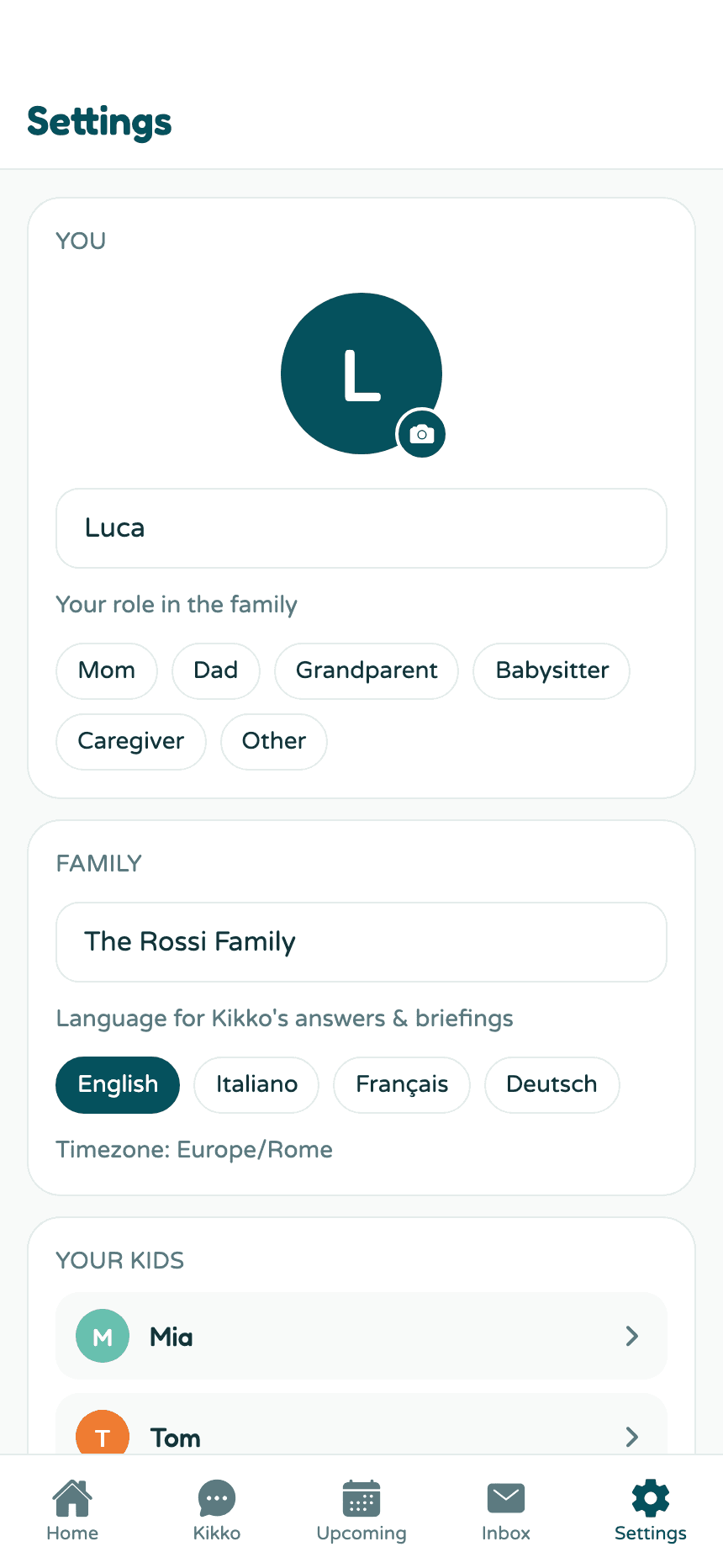
- Family name - what Home greets you with. Rename anytime.
- Language for Kikko's answers and briefings - English, Italiano, Français, or Deutsch. This changes what Kikko says; it reads incoming emails and flyers in any language regardless. The app's interface stays English for now.
- Timezone - detected automatically and shown here; all reminders and briefings run on it.
Good to know
- Everyone in the family edits their own name, photo, and role - you can't edit your partner's.
- Kids' profiles have their own screen; see Kids' profiles.
Related
Did this answer your question? If not, email us and we'll help.