
Help Center · Getting started · Updated
Invite your partner or another caregiver

Kikko works best when both parents see the same calendar. One subscription covers the whole family, so inviting your partner costs nothing extra. Invites also work for grandparents, babysitters, and any other caregiver.
Create and share the invite
1. Open Settings and find "Invite your partner"
Go to the Settings tab and scroll to the Invite your partner card.
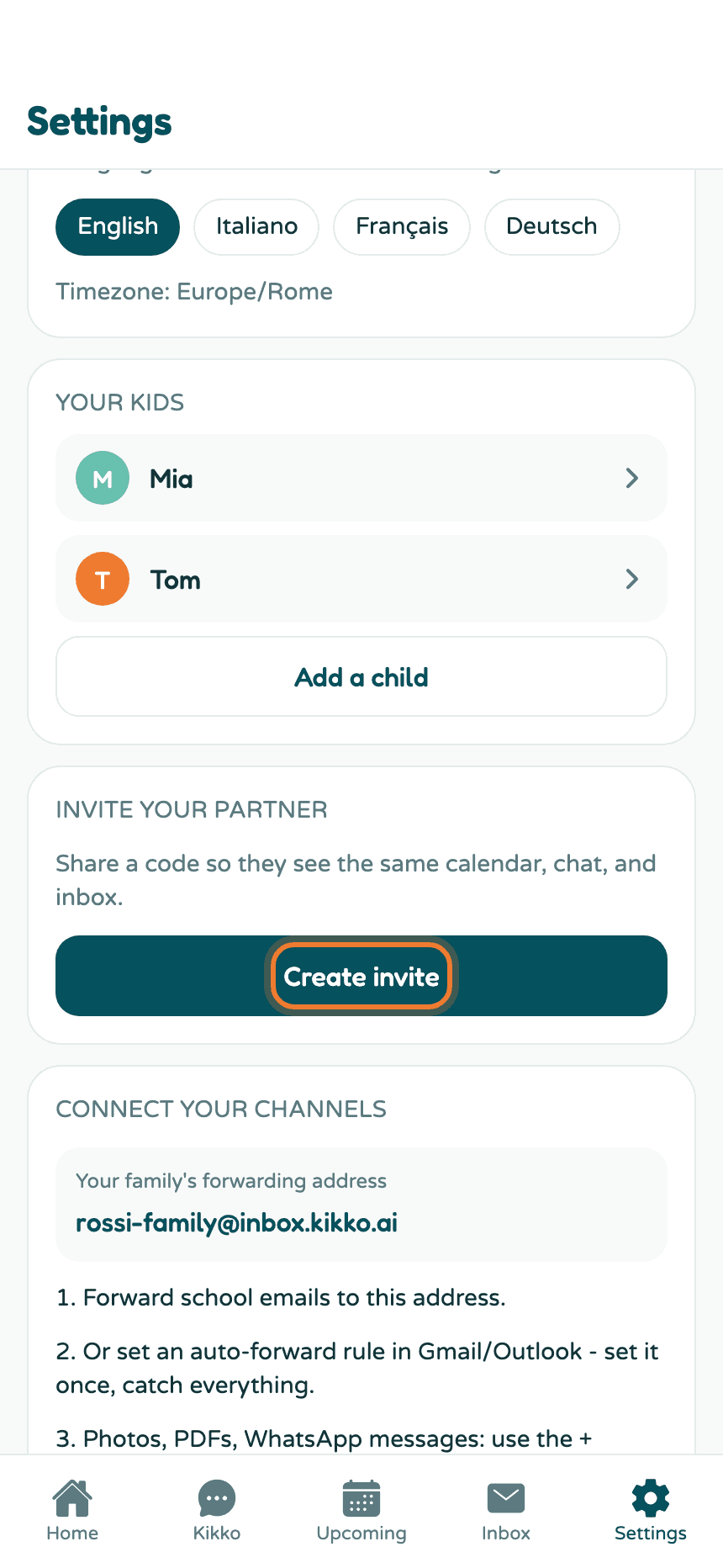
2. Tap Create invite
Kikko generates a code that works once and expires after a week.
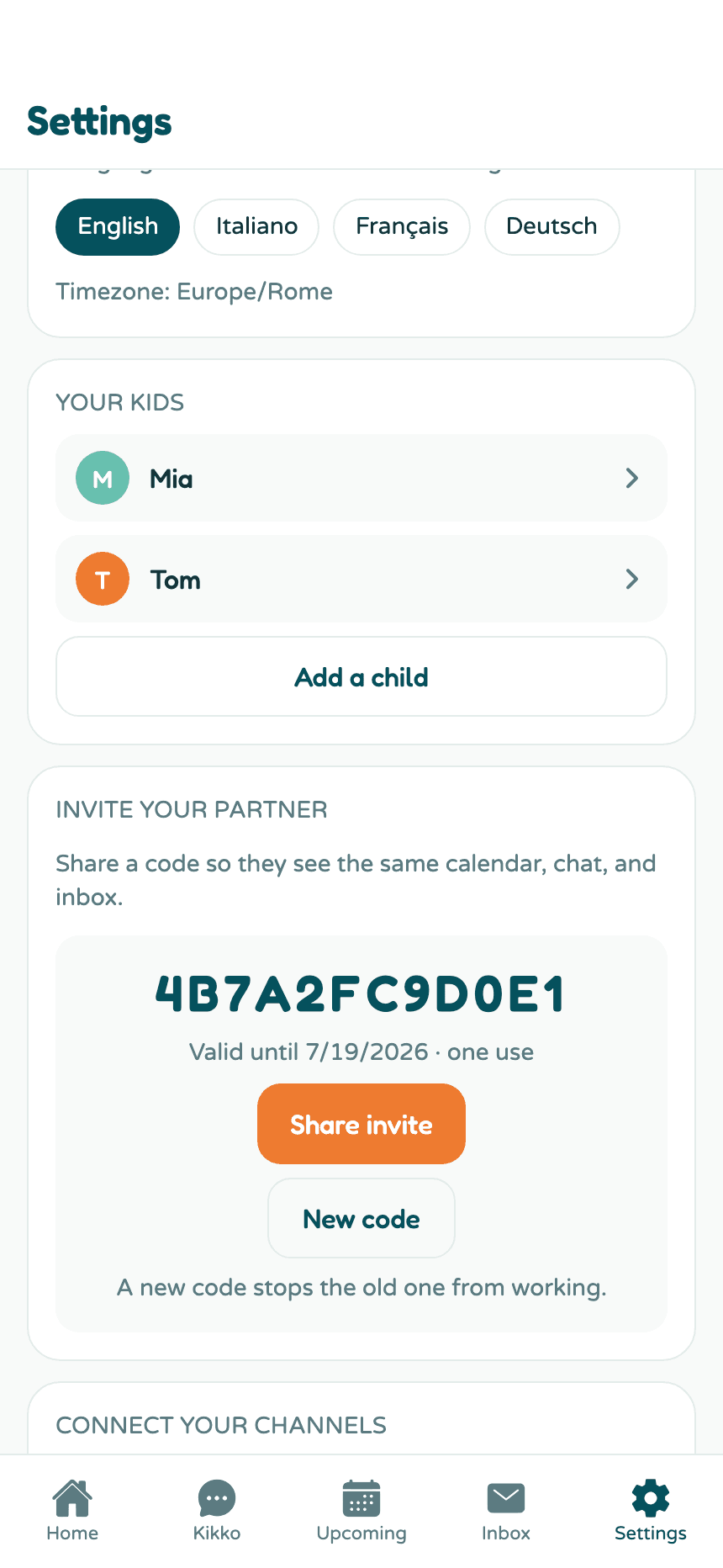
3. Share it
Tap Share invite. Kikko shares a link that carries the code, so the person you invite doesn't have to type anything. On a computer, the invite text is copied to your clipboard instead - paste it into any message.
4. They join, you're done
Your partner opens the link, creates their own Kikko account (or signs in), and lands on the join screen with the code prefilled. The moment they join, they see the same Home, calendar, chat, and Inbox as you. Their name appears in your Settings under Invite your partner, with their role and join date.
If they need a hand on their side, point them to Join a family with an invite code.
Everything on this card
- Share invite - opens your device's share sheet with the invite link (or copies it on a computer).
- New code - creates a fresh code and stops the old one from working. Use it if you shared a code with the wrong person or it expired.
- Member list - once someone joins, the card lists every family member with their role and when they joined.
- Roles - each member picks their own role (Mom, Dad, Grandparent, Babysitter, Caregiver, Other) in Settings, in the You card. Kikko uses names and roles to say who added what.
Good to know
- Codes are one use each. Inviting a second caregiver? Create a new invite after the first person joins.
- Everyone in the family sees the same everything. There are no per-person permissions yet.
- One account belongs to one family, so an invited person shouldn't create their own family first - joining is for accounts without a family.
Related
Did this answer your question? If not, email us and we'll help.