
Help Center · Getting started · Updated
A quick tour of Kikko

Kikko has five tabs along the bottom of the screen. This tour shows what each one does, so you always know where to look.
Home - your day at a glance
Home is where Kikko greets you. It shows anything that needs your attention (overlapping events, items to review, overdue tasks), what's on today, what's coming up next, and quick actions to add something new.
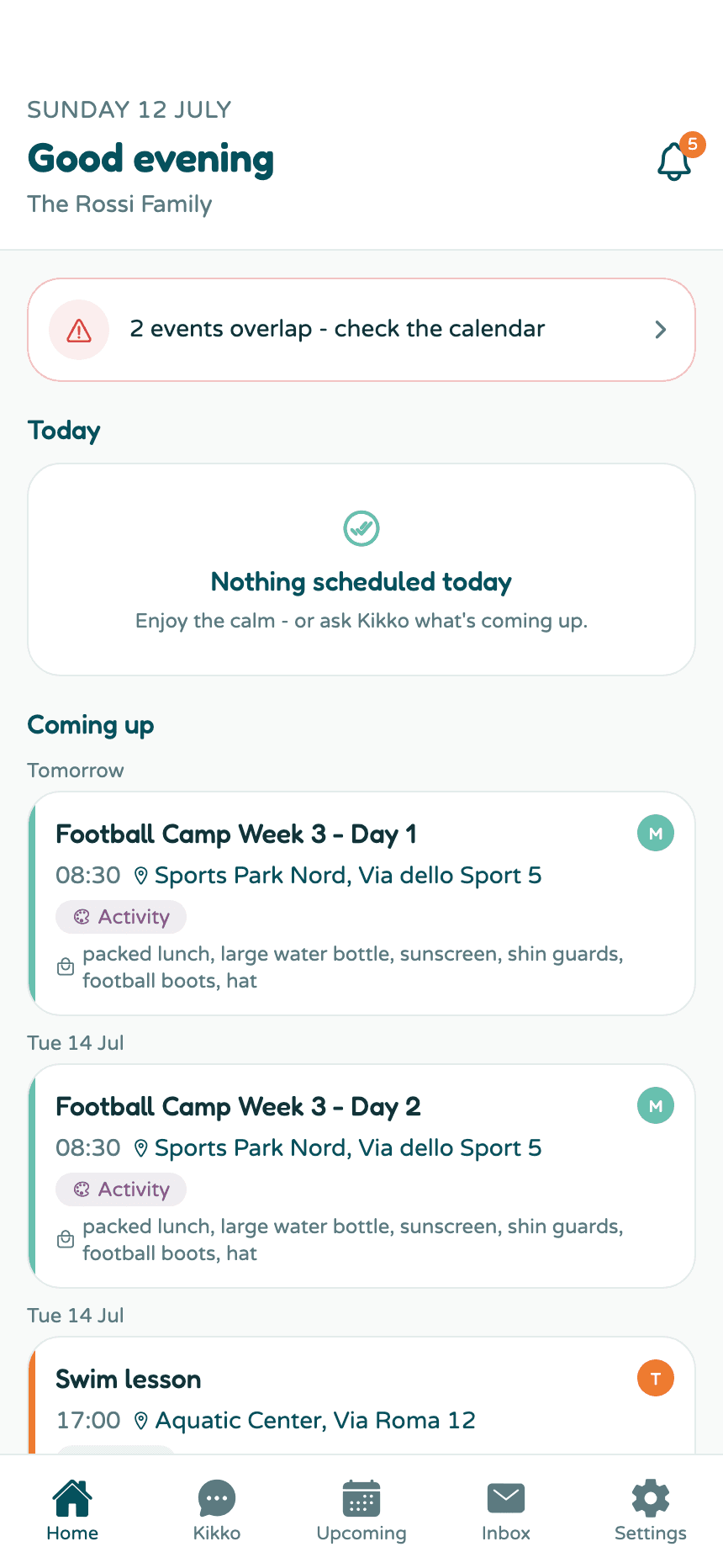
The bell in the top corner opens your notifications. The badge shows how many are unread.
Kikko - the chat
The second tab is Kikko itself. Type or dictate anything: "Mia has soccer Wednesdays at 4:30", "What does Tom need tomorrow?", "Remind me about the permission slip". Kikko answers from your family's real calendar and adds things for you.
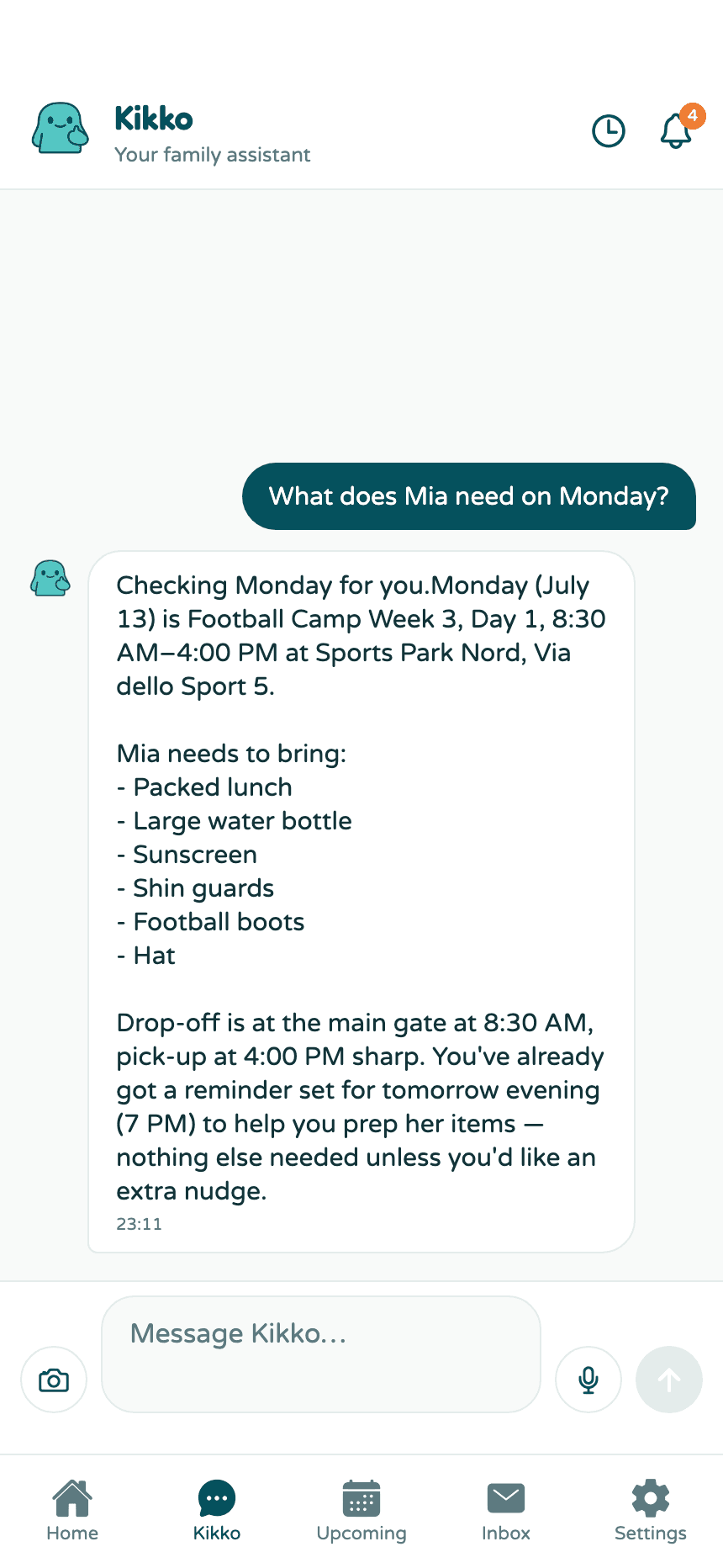
More in Tell Kikko in chat.
Upcoming - the calendar
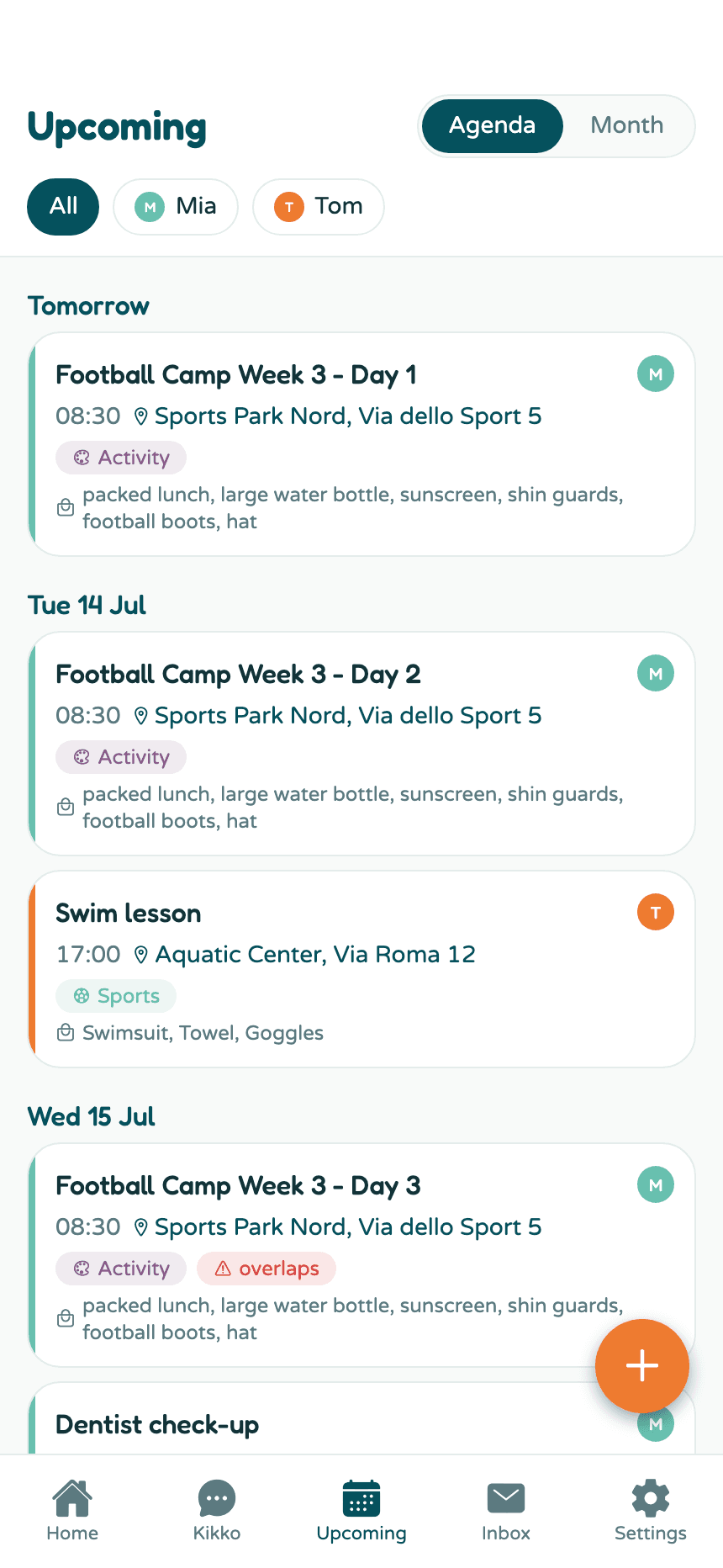
Everything scheduled, as an agenda list or a month grid. Filter by kid with the chips at the top, tick tasks off, and add new things with the orange + button.
Inbox - everything Kikko caught
Every email you forward, photo you snap, and text you paste lands here, together with what Kikko created from it. It's your paper trail: you can always check the original and undo anything.
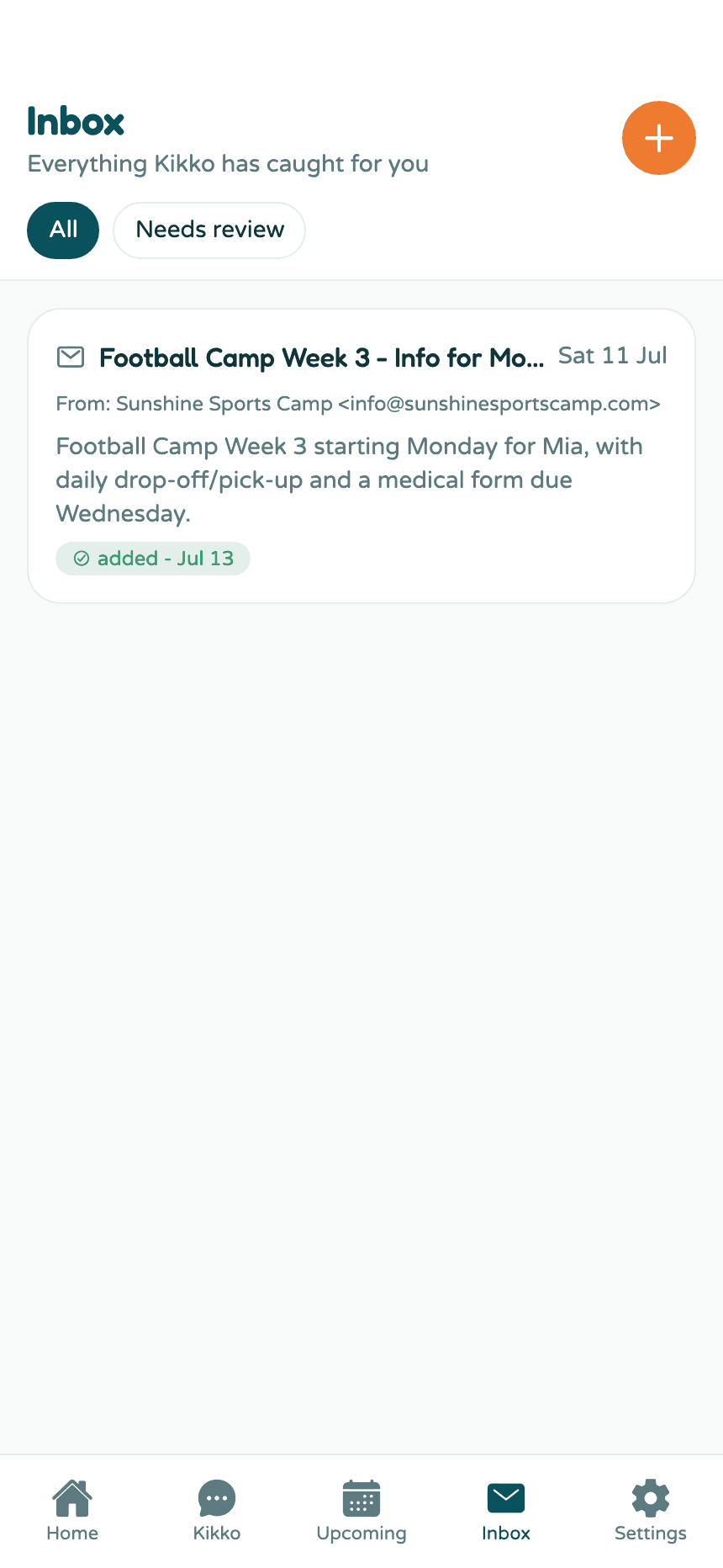
More in How the Inbox works.
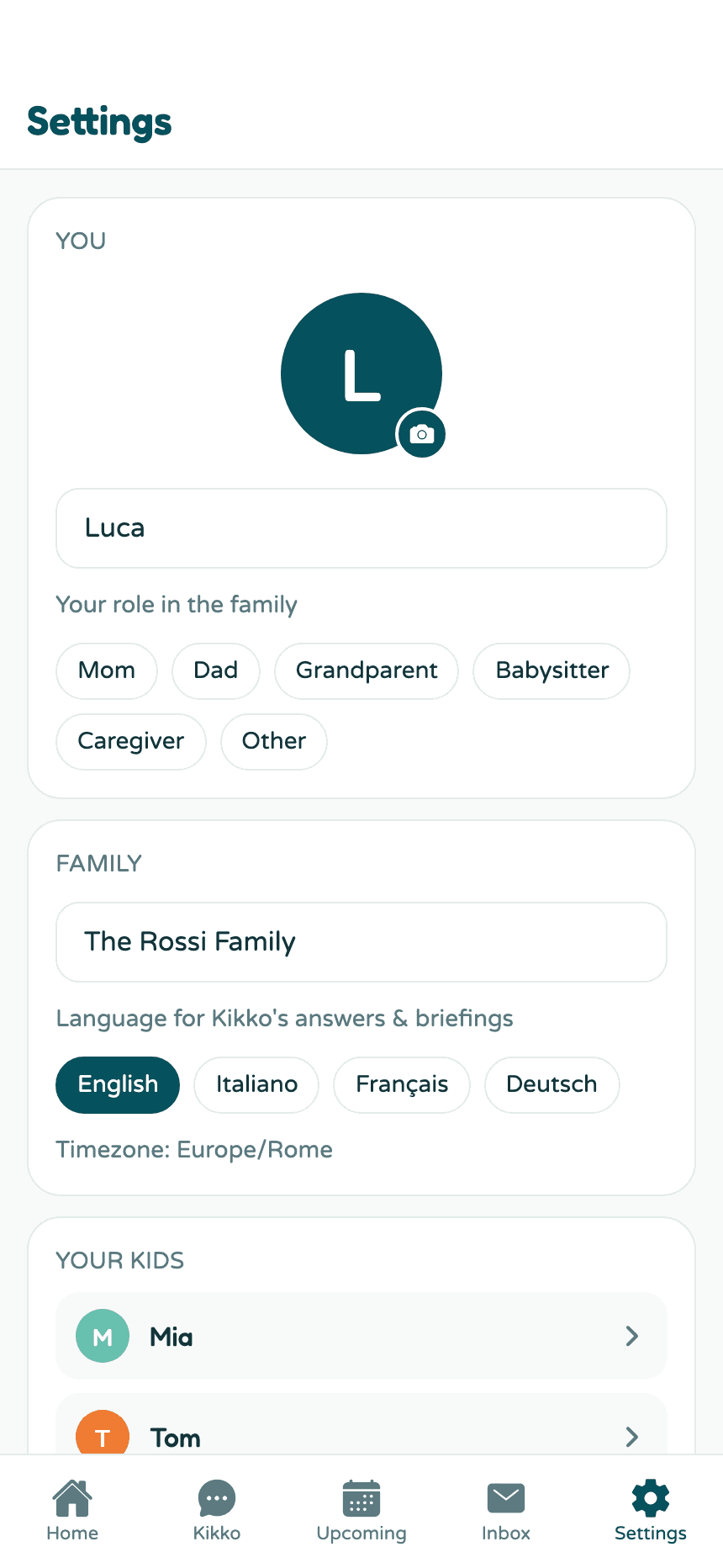
Settings - your family's control room
Your profile, your kids, the invite for your partner, your family's private forwarding address, briefings, reminders, the calendar feed, and your account.
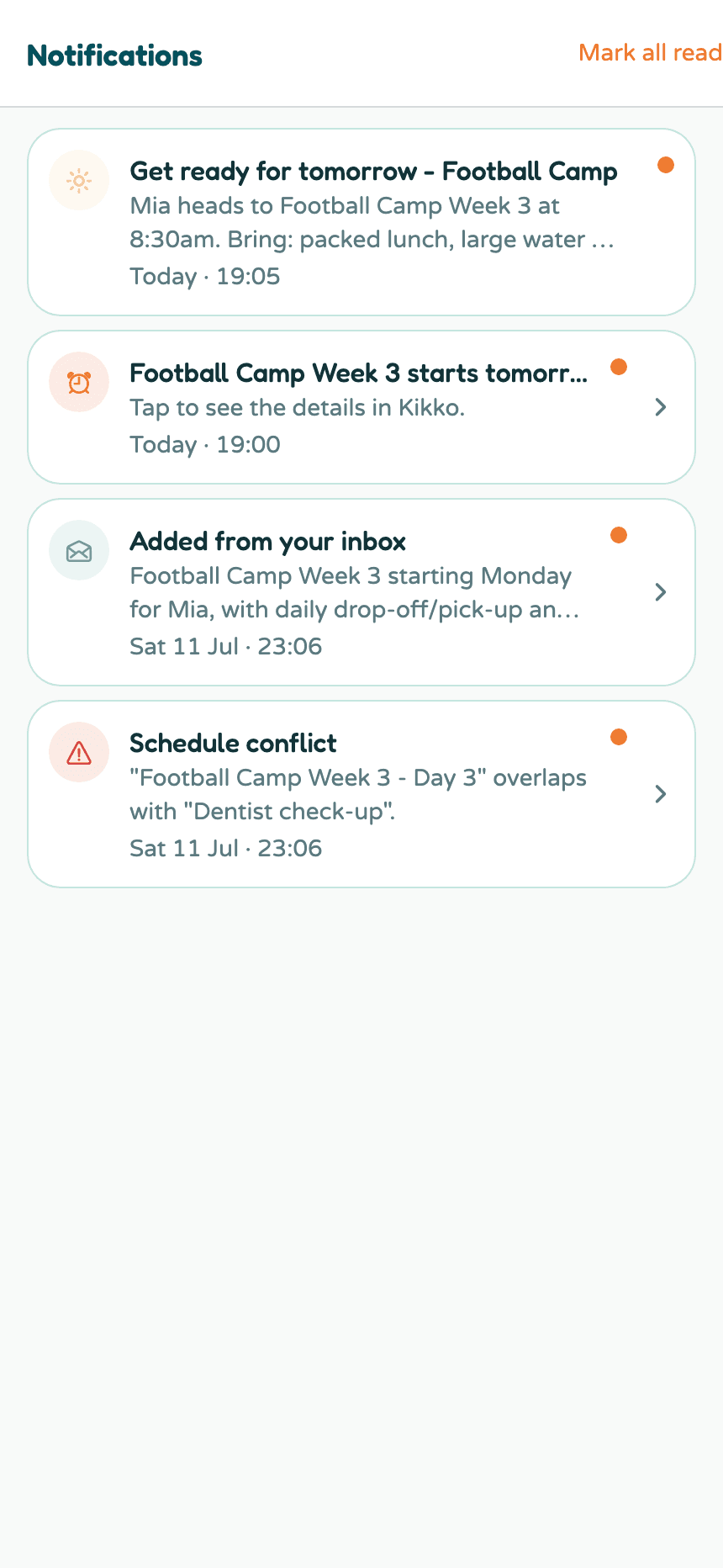
Notifications
Tap the bell (on Home or in the chat) to open the notification center: reminders, things Kikko added, schedule conflicts, and your daily briefings, each one tappable to jump to the event or task it's about.
Related
Did this answer your question? If not, email us and we'll help.