
Help Center · Adding things to Kikko · Updated
Capture a photo, PDF, or pasted text

Not everything arrives by email. The class WhatsApp group, the paper flyer in the school bag, the PDF newsletter - Kikko captures all of it through the + button.
Capture something
1. Tap the + button in the Inbox
The orange + lives in the top corner of the Inbox tab (and on Upcoming, and in the quick actions on Home - same thing everywhere).
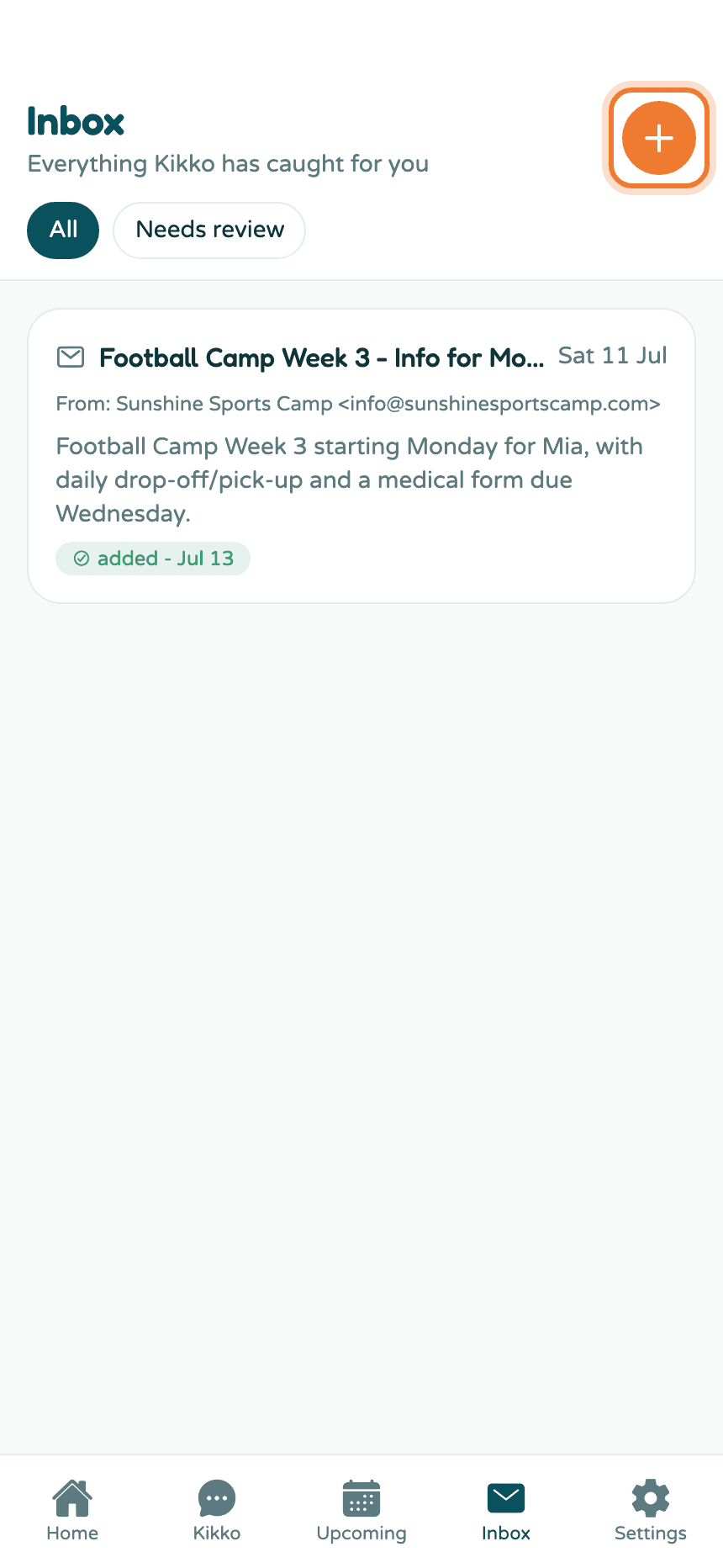
2. Choose Capture
You'll see three choices: New event and New task open manual forms, and Capture hands whatever you've got to Kikko.
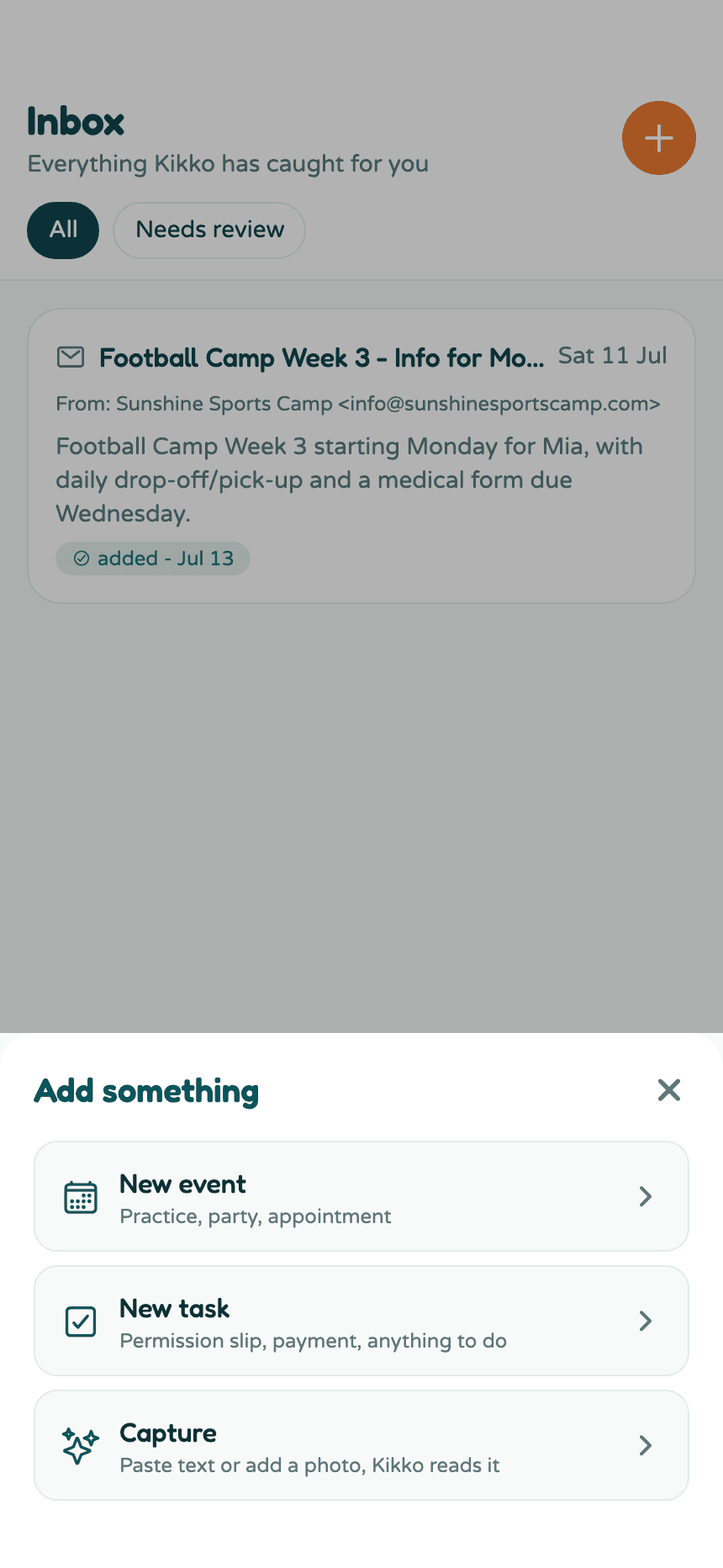
3. Pick how to hand it over
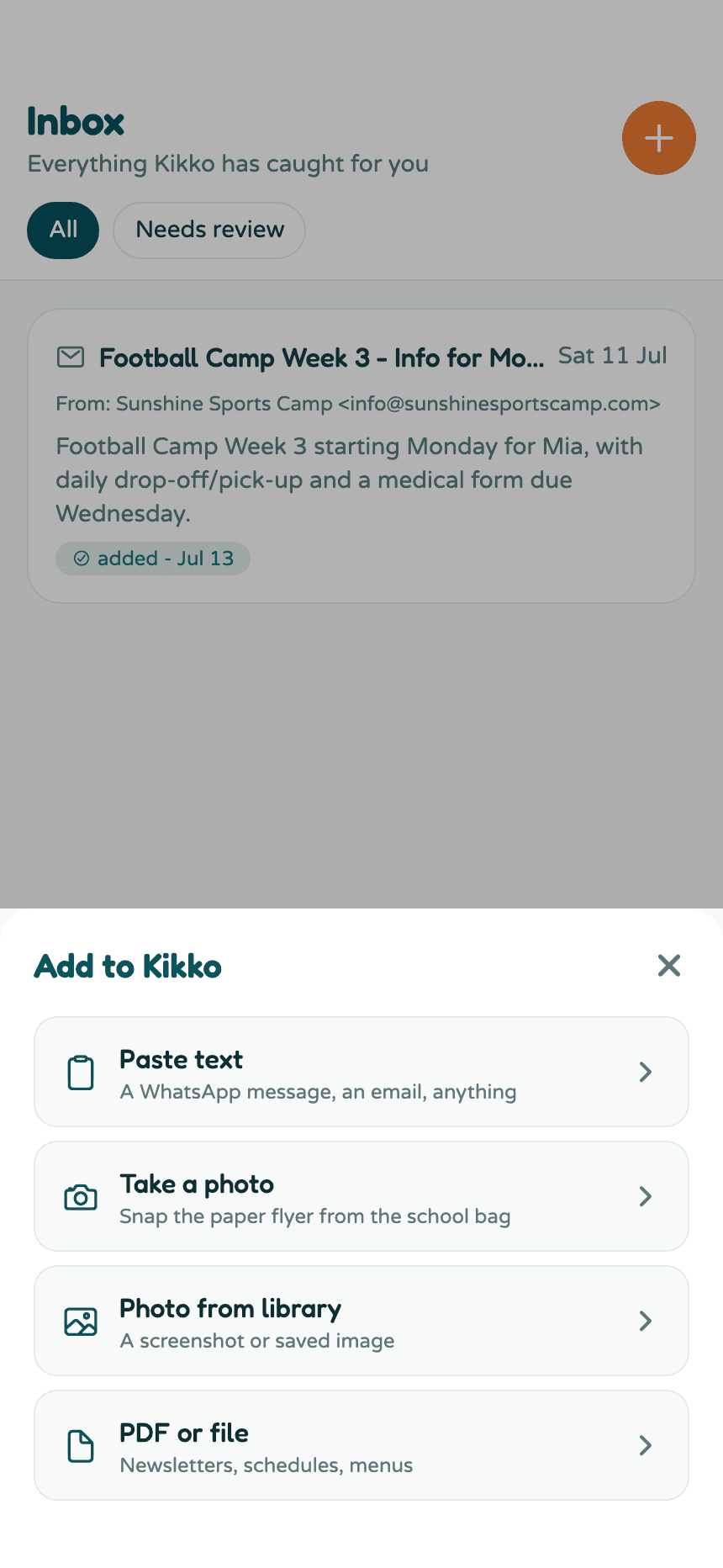
- Paste text - the WhatsApp message from the class group, a text from the coach, an email you copied.
- Take a photo - point your camera at the paper flyer.
- Photo from library - a screenshot or a photo you already took.
- PDF or file - newsletters, schedules, menus.
4. Send it to Kikko
For pasted text, add an optional subject so it's easy to recognize later, paste, and tap Send to Kikko. Any language works.
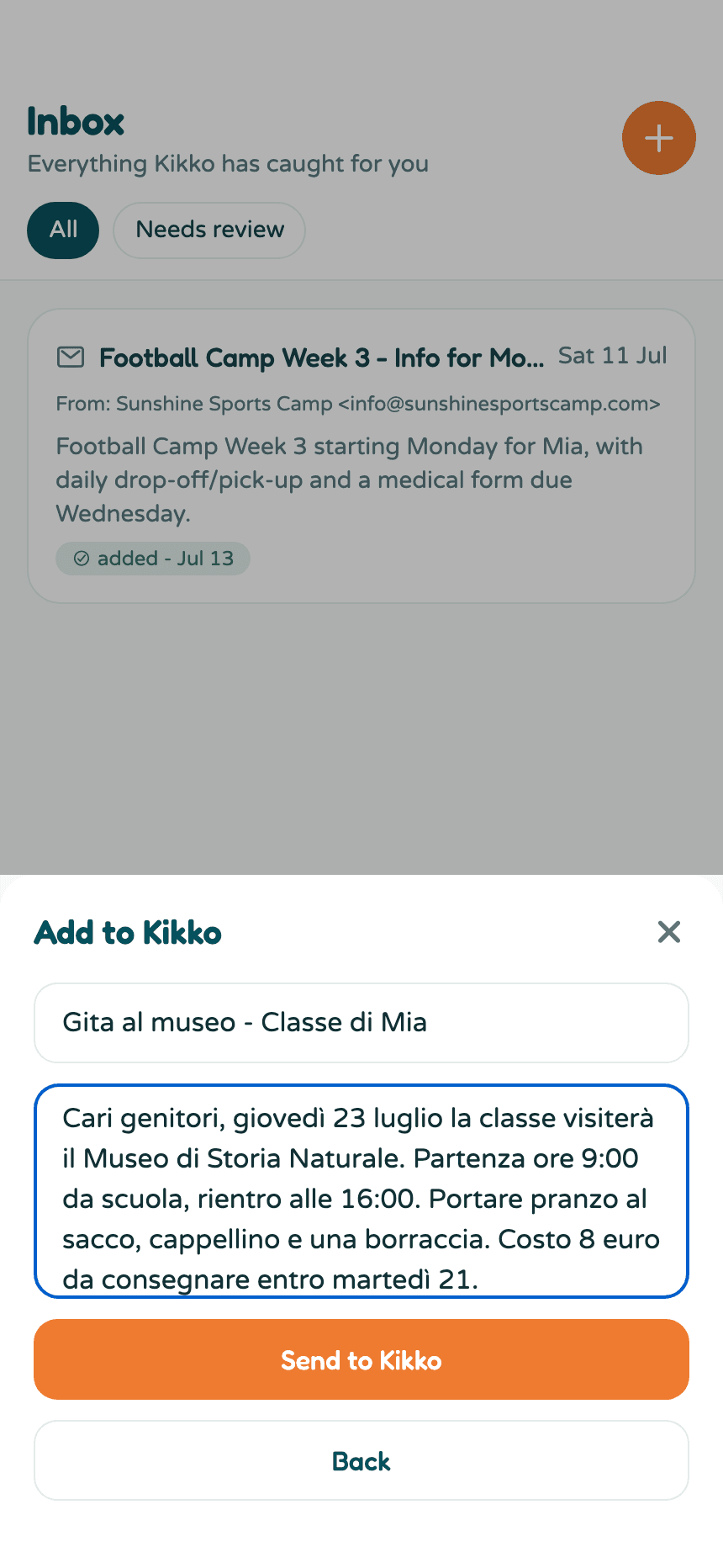
5. Kikko does the rest
A few seconds later the item appears in your Inbox, summarized, with everything Kikko created listed under it.
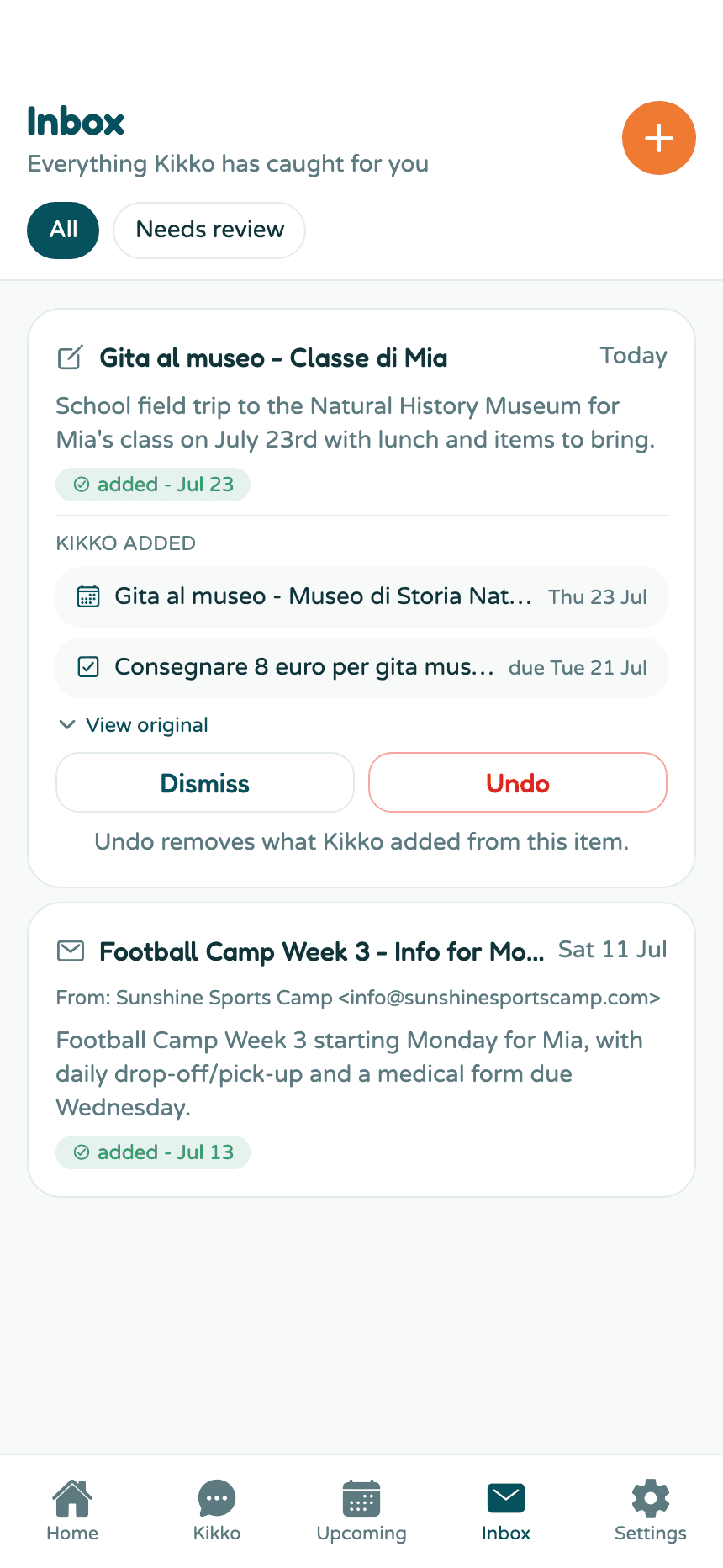
Tap any created event or task to open it. Wrong or unwanted? Undo removes everything Kikko added from that item.
Good to know
- Kikko pulls out dates, times, places, deadlines, and things to bring - and assigns them to the right kid when the text names one.
- If Kikko wasn't sure about something, the item is flagged Needs review so you can confirm or fix it in one tap.
- The original text, photo, or file stays attached to the item. View original shows it anytime.
Related
Did this answer your question? If not, email us and we'll help.