
Help Center · Account and family · Updated
Kikko Plus, your data, and your account

The bottom of Settings covers the grown-up stuff: your plan, your data, and the exit doors. Kikko's philosophy here is simple - your data is yours, including the right to take it or erase it.
Kikko Plus
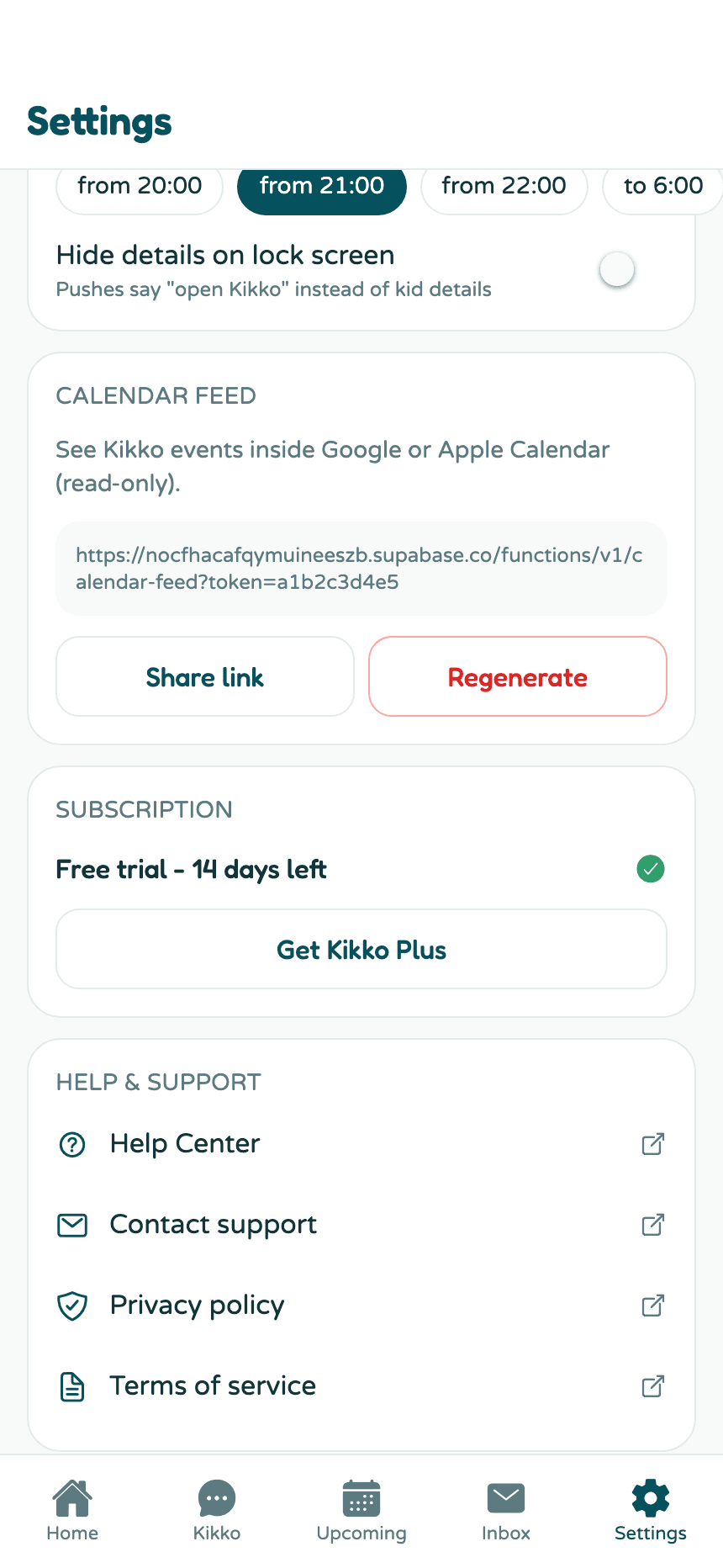
- The first 14 days: every new family gets 14 days of full access, no card needed. They start when you create your family.
- The price: Kikko Plus costs €9.99/month or €79.99/year. One subscription covers the whole family - your partner and other caregivers don't pay.
- If your plan lapses: chat and new captures pause, but your calendar and data stay fully viewable. You're never locked out of your own information.
- On iPhone, subscriptions run through the App Store and are managed at apps.apple.com/account/subscriptions. The app is on the App Store.
Export your data
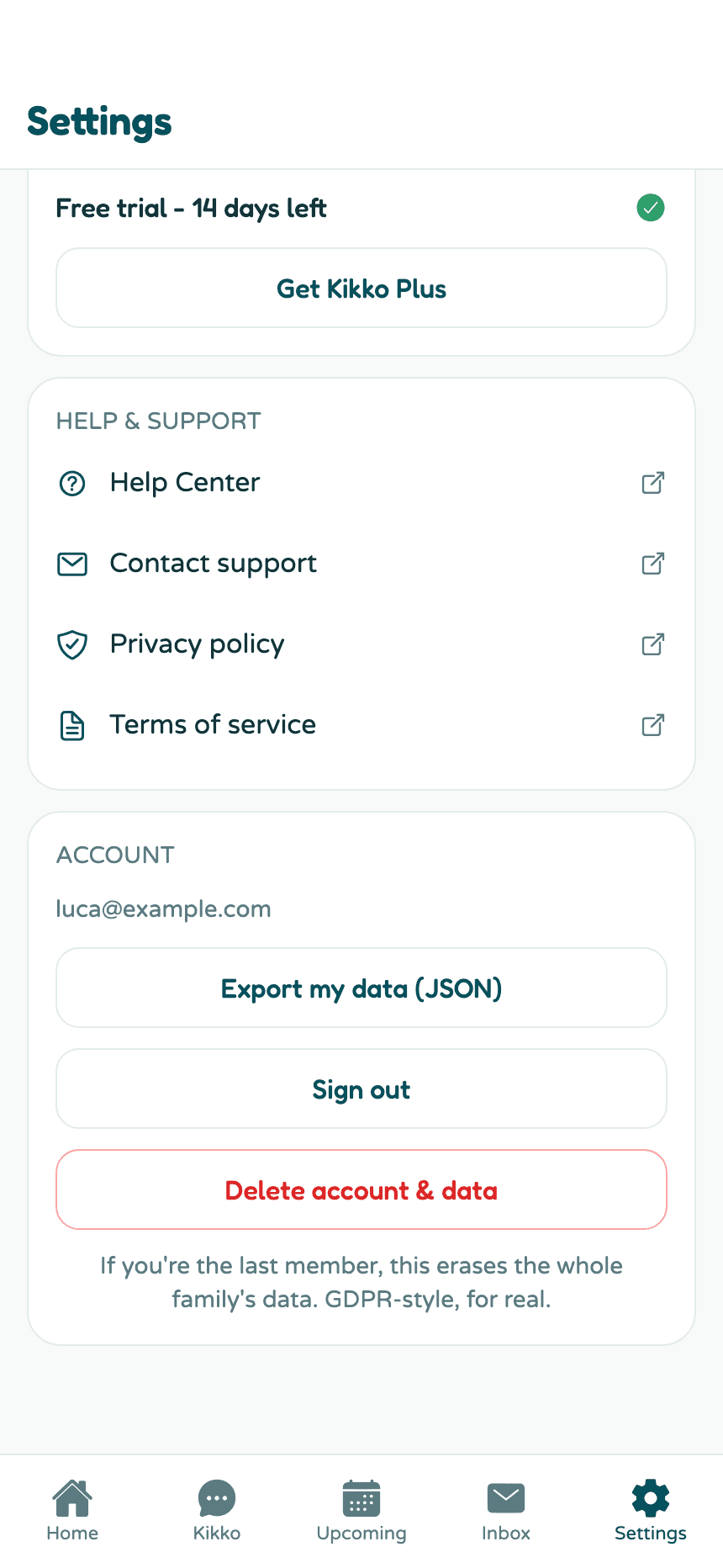
Settings → Account → Export my data (JSON) downloads everything - events, tasks, inbox items, kids, facts - as one JSON file. On a phone it opens the share sheet so you can save it wherever you like. No support ticket, no waiting.
Sign out
Settings → Account → Sign out. Your data stays put; sign back in anytime with your password or an email code.
Delete your account and data
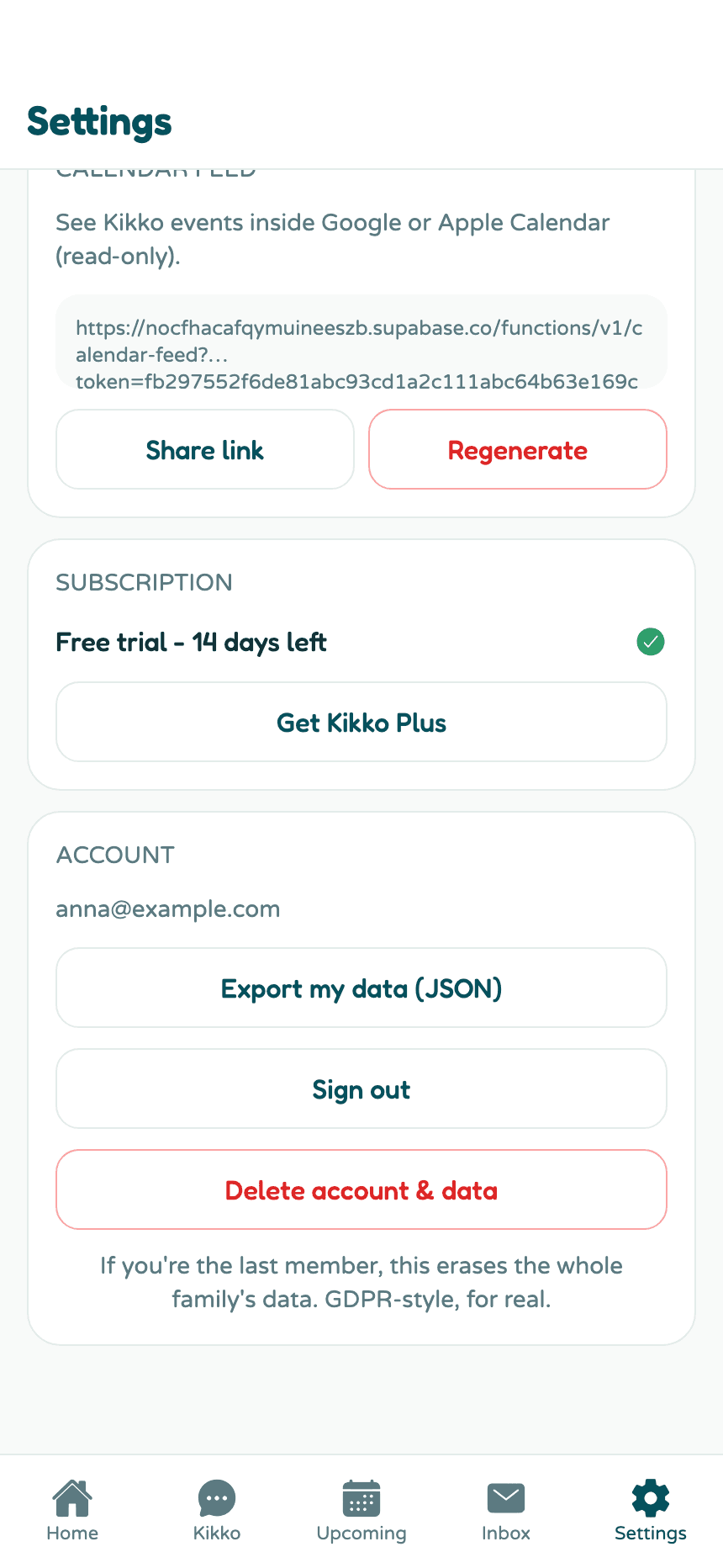
At the bottom, Delete account & data erases your account for real - GDPR-style, including everything in storage. If you're the last member of the family, the whole family's data goes with it.
Deleting takes three deliberate taps, with the button spelling out the stakes at each step:
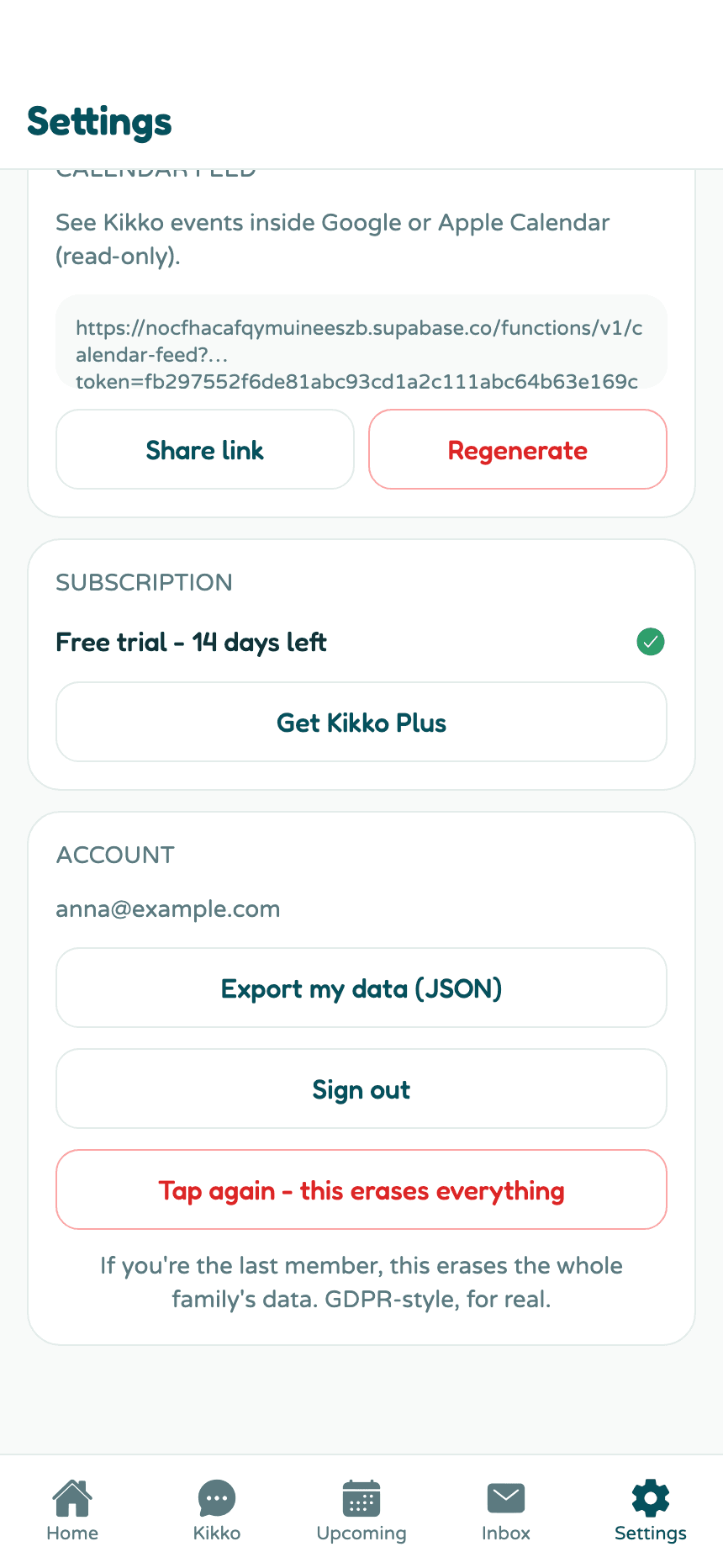
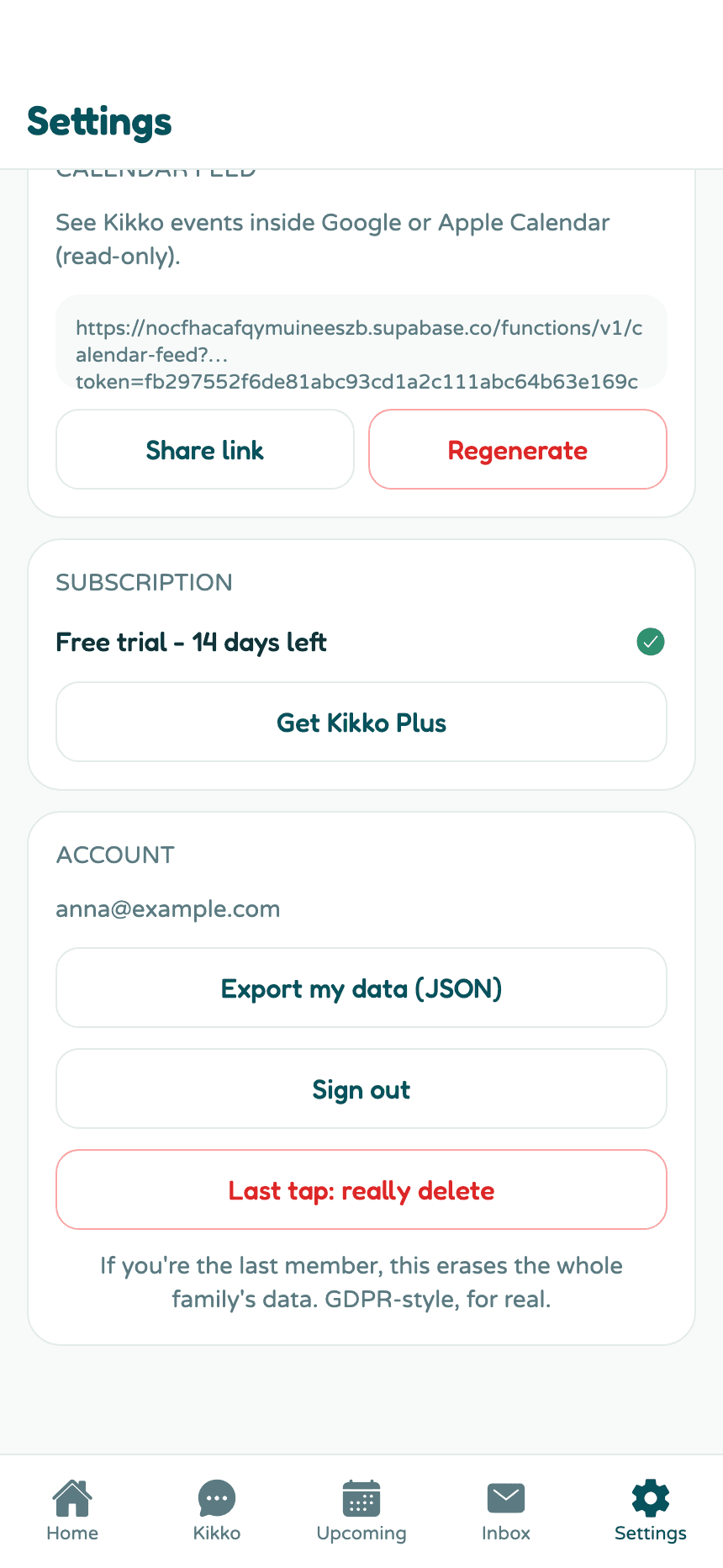
Consider exporting your data first - after the last tap there's nothing left to export.
Related
Did this answer your question? If not, email us and we'll help.