
Help Center · Calendar and tasks · Updated
Manage tasks

Tasks are the "don't forget" half of Kikko: sign the form, pay for the trip, pack the bag. They live alongside events on the Upcoming tab and in your briefings, and they come from the same places - chat, captures, forwarded emails, or the manual form.
The task detail
Tap a task anywhere to open it.
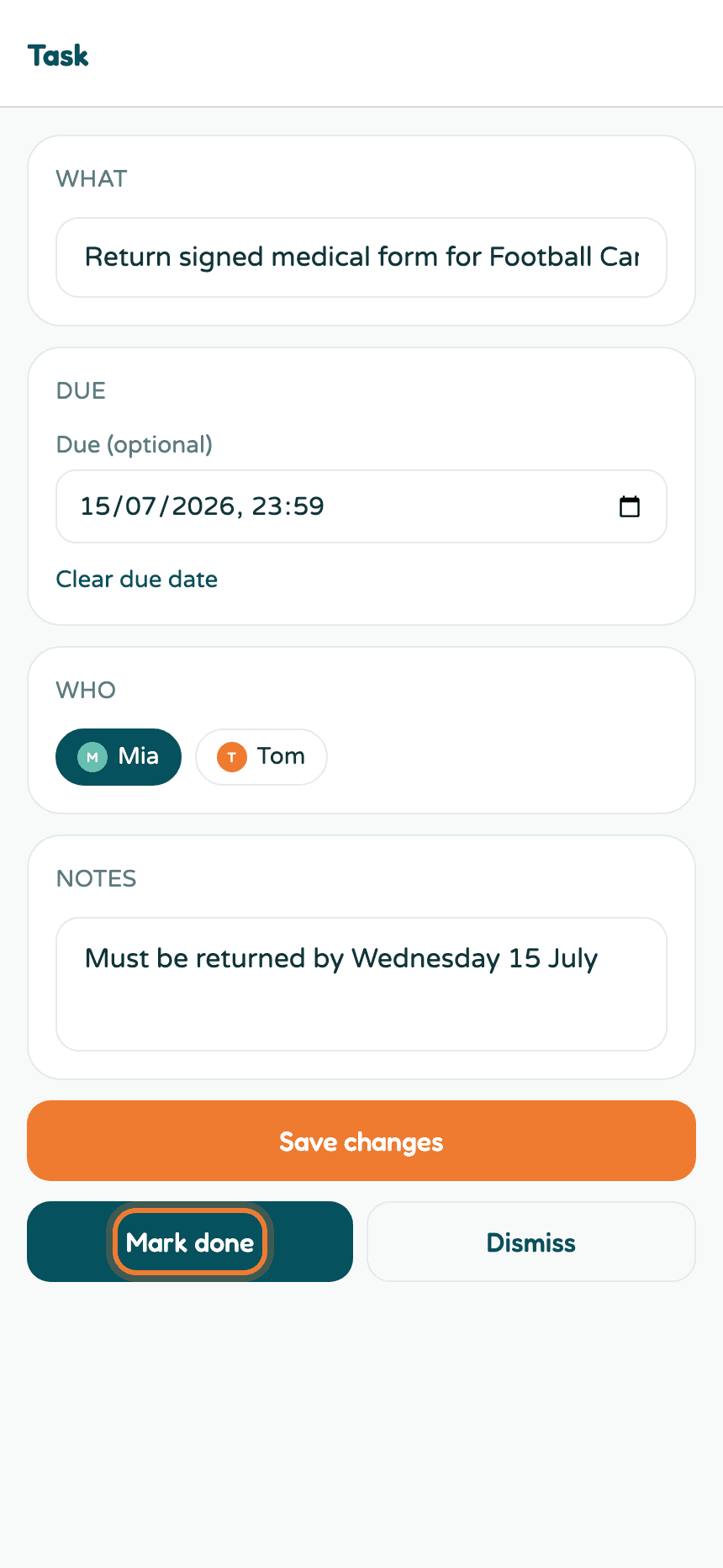
- Title and notes - what needs doing and any details.
- Due (optional) - tasks with a due date appear in the agenda on that day and in your briefings as the day approaches.
- Kid - connect the task to one kid, or leave it general.
- Mark done - the big moment.
- Dismiss - for tasks that stopped mattering (no guilt).
Ticking things off
You don't have to open a task to finish it - tap the circle on its agenda card. Done tasks drop into a collapsible Completed section at the bottom of Upcoming, struck through and satisfying.
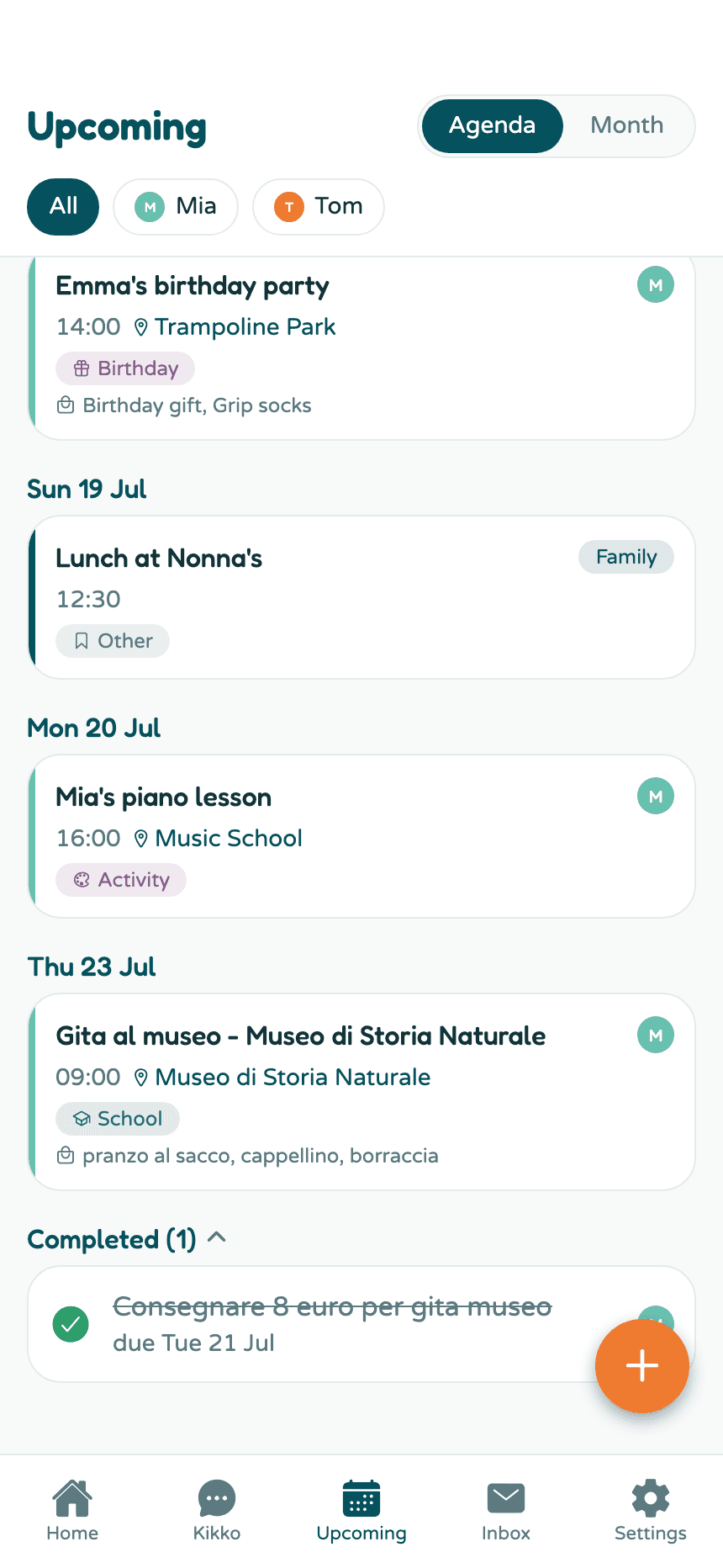
Tap the tick again to reopen a task if it turns out the form wasn't really signed.
Good to know
- Tasks Kikko extracts from emails and flyers keep a link to the original source, just like events.
- A task with a due date gets reminded about; a task without one just waits patiently on the list.
- The Home attention strip counts overdue tasks so they don't quietly rot.
Related
Did this answer your question? If not, email us and we'll help.